This problem is easier to narrow when you separate what the appliance still does correctly from the first function that fails. A touch panel can appear dead because of Control…
This problem is easier to narrow when you separate what the appliance still does correctly from the first function that fails. A touch panel can appear dead because of Control Lock, moisture, contamination, a power issue, or a failed interface/control circuit. The condition should be separated before the glass or control assembly is blamed.
A model number matters because Samsung changes controls and internal layouts across platforms. The same symptom does not guarantee the same repair on every model.
This guide stays on the homeowner-safe side of the appliance. It does not instruct you to bypass safety devices, open live electrical systems, work on refrigerant or gas circuits, or access microwave high-voltage components.
The most useful first step is to describe when the problem happens and what the appliance still does correctly. For this symptom, record these details:
If the failure is intermittent, note what conditions make it more likely—load size, temperature setting, time of day, high-power operation, or recent maintenance.
A single observation may not identify the failure. The pattern becomes useful when several observations line up—for example, the appliance has normal power but one function drops out at a repeatable stage, or the same symptom appears only under a specific load, temperature, or operating condition.
Control Lock, moisture or contamination on the panel, a power issue, or a failed interface or control circuit can make a touch panel look dead.
Several different conditions can create a similar complaint:
The order matters. External conditions and simple obstructions should be ruled out before internal electronics or major assemblies are blamed. A model-specific error code can narrow the path further, but it still does not replace physical testing.
Stay with checks that do not require live electrical work, hidden service menus, or cabinet disassembly:
If the appliance returns to normal after one clear external issue is corrected, monitor the next use. If the same symptom comes back, stop repeating resets and preserve the repeatable pattern for diagnosis.
These shortcuts can lead to unnecessary parts or new damage:
Another common mistake is searching only the symptom and buying the first part that appears in a video or forum. Samsung uses different platforms across model years, and visually similar appliances can have different sensors, controls, harnesses, and service procedures.
Diagnosis should verify supply, lock/input state, touch response, interface connections, and control communication before a panel or board is replaced.
A professional diagnosis should connect each test to the symptom. If the appliance has an error code, the code should be interpreted for the exact appliance type and model family. If there is no code, the technician can still use the operating sequence, measured conditions, control commands, and feedback signals to isolate the fault.
Parts should be matched only after the failure is confirmed. That is especially important for electronic controls, motors, compressors, heaters, valves, and sensors because a related wiring or supply problem can make a good component appear bad.
Use the complete model number from the appliance rating label when researching this problem. Do not shorten the suffix if the label includes one.
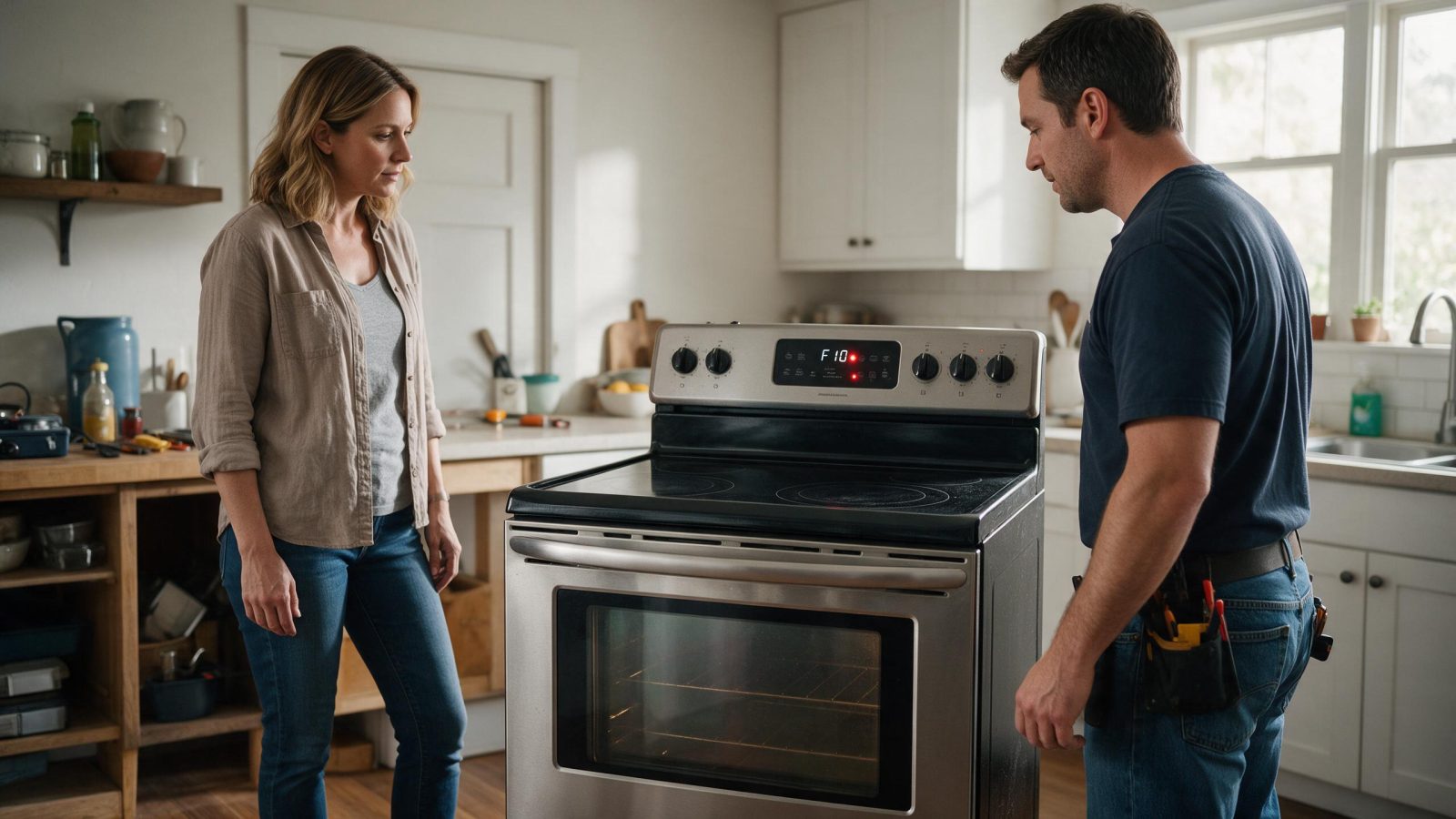
Samsung can reuse similar display codes across refrigerators, washers, dryers, dishwashers, cooking products, microwaves, and other product generations. Photograph the exact characters before resetting power. Then compare the code with the correct appliance and model context in the site’s error-code library.
If a service procedure, specification, or part listing is not clearly matched to your exact model, do not assume it applies.
Stop use if controls behave unpredictably around an active heating zone or if a zone cannot be switched off.
Even when the original symptom seems minor, a new electrical smell, smoke, water around powered components, gas odor, uncontrolled heat, severe mechanical banging, or repeated breaker trips changes the situation. Stop troubleshooting and protect the home first.
A focused Los Angeles repair visit starts with the complete model code, a clear symptom description, and any code or photo you captured before resetting the appliance.
Useful appointment notes include:
The goal is to arrive at a diagnosis-linked repair, not a generic parts swap.
Record the symptom and any code first. One controlled restart can be reasonable after an obvious external condition is corrected, but repeated resets can hide useful timing and do not repair a persistent fault.
No. A symptom points to a system or operating stage. The component should be confirmed by testing the supply, command, feedback, wiring, mechanical condition, and model-specific circuit involved.
The full model number, any displayed code, a photo or short video if useful, the selected cycle or setting, and a description of what the appliance completes normally before the failure appears.
Only if the appliance can operate normally without creating a safety or property-damage risk. Stop use for smoke, sparks, burning odor, gas odor where applicable, uncontrolled heating, active leaking near electrical parts, or repeated breaker trips.
This problem is easier to narrow when you separate what the appliance still does correctly from the first function that fails. After an outage,…
The fastest route to a good diagnosis is to preserve the symptom before resetting it. An appliance that appears offline is not automatically broken.…
Before a Samsung appliance is opened, the operating sequence can already tell you a lot. A breaker that trips repeatedly is a safety signal.…
Share a few details and we’ll confirm an appointment. Prefer to talk? Call us and we’ll help right away.
Fields marked with * are required.