Written by
Adrian Soto Appliance Repair Content SpecialistPublished September 5, 2026Updated October 20, 2026
Error coded0
ApplianceCooktop
Quick answer
d0 means the panel detects a button being touched continuously. Dry and clear the panel, then restart.
Model compatibility: Samsung reuses codes across series and model years, so d0 may mean something different on another appliance or generation. Confirm this against your model’s documentation and record your full model number before acting.
Plain language
What this code means
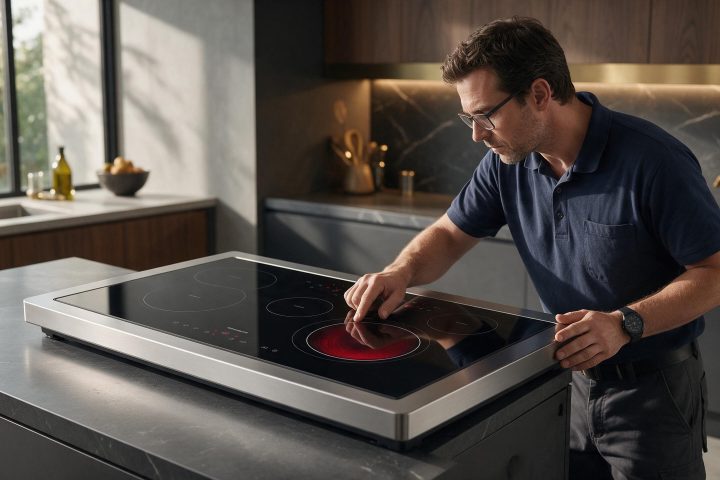
d0 is a stuck button error: the panel detects a button continuously touched.
The d0 code on a Samsung cooktop is a stuck button error. The control panel believes one button is being touched all the time. Samsung’s Australian listing describes the trigger as a key pressed for more than 8 seconds.
Why the panel shows d0
According to Samsung, a wet panel can cause it, and so can something that really is resting on the panel and touching it continuously.
Steps from Samsung
Wipe away any debris or water droplets so the panel is clear.
Restart the cooktop with the Power button.
If d0 still appears, request service.
Easily confused codes
5E is a similar touch problem on electric cooktops: the sensor has been touched for longer than 10 seconds. F2 is different, a communication error involving the touch-enabled IC.
Samsung cooktop repair in Los Angeles
A d0 that returns on a dry, clear panel is worth a call to (310) 896-4231. Tell the team about the code and your model, plus what you wiped and restarted, and ask about cooktop repair in Los Angeles.
Important safety warning. Do not attempt repairs involving electrical components, gas, water lines, refrigerant or sealed systems. Unplug the appliance if it is safe to reach the outlet, and leave internal diagnostics to a qualified technician.
Seeing this code on your Samsung appliance?
Book a specialist visit for a clear estimate and approval before any repair.