Written by
Adrian Soto Appliance Repair Content SpecialistPublished September 5, 2026Updated October 20, 2026
Error code1C
ApplianceDishwasher
Quick answer
1C is a low-water level check. Check the filter, use detergent, load evenly and restart.
Model compatibility: Samsung reuses codes across series and model years, so 1C may mean something different on another appliance or generation. Confirm this against your model’s documentation and record your full model number before acting.
Plain language
What this code means
1C is a low-water level check code.
1C is a low-water level check code on Samsung dishwashers, taken from Samsung’s Australian information-codes listing. Only models with a digital display show an information code as an actual code. Models without a display use blinking lights instead, so see your user guide if yours flashes.
Checks from Samsung
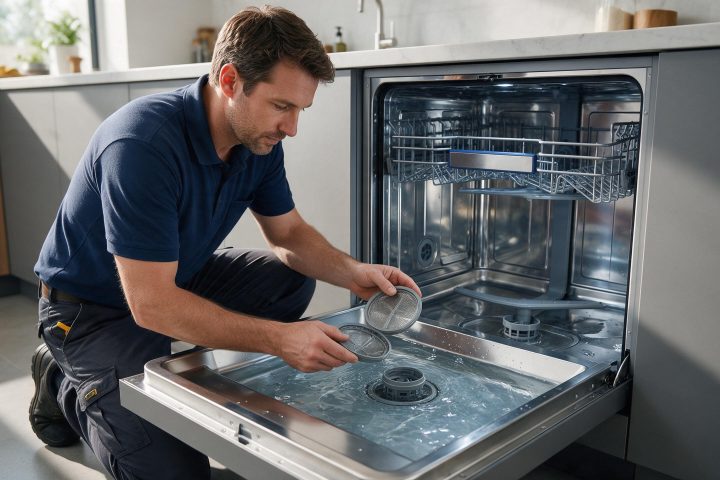
Check whether the filter is clogged.
Use dishwasher detergent.
Load the dishes evenly.
Turn the dishwasher off, turn it on again and try again.
If the problem continues, contact a local Samsung service centre.
If water collects
If overflow occurs, turn off the main water supply before calling for service. Water in the base pan from an overfill or small leak should be removed before the dishwasher is restarted.
Related dishwasher codes
1E on Waterwall models means a clogged filter, and 4C is a water supply error.
Important safety warning. Do not attempt repairs involving electrical components, gas, water lines, refrigerant or sealed systems. Unplug the appliance if it is safe to reach the outlet, and leave internal diagnostics to a qualified technician.
Seeing this code on your Samsung appliance?
Book a specialist visit for a clear estimate and approval before any repair.