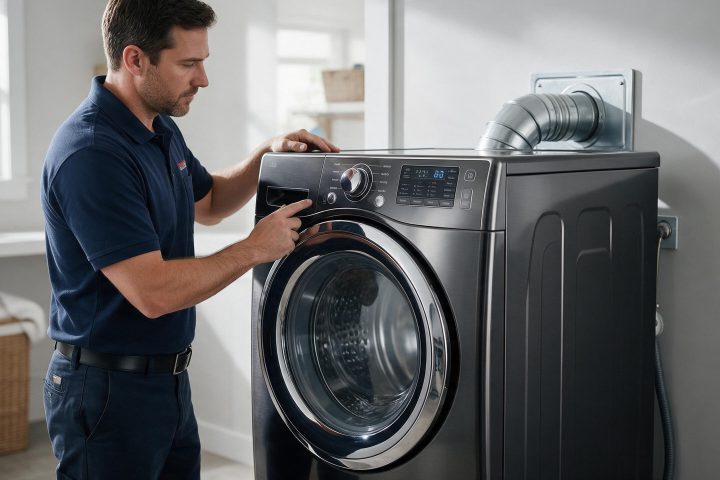
The t-codes on a Samsung dryer are temperature errors. Cleaning the lint screen and vent is the first step.
Model compatibility: Samsung reuses codes across series and model years, so tS / t5 / tC / tO / t0 / tE / tE3 / tC5 / tCS / 1 tC / 1tC5 / 1tCS may mean something different on another appliance or generation. Confirm this against your model’s documentation and record your full model number before acting.
Plain language
What this code means
Temperature error: a problem with a temperature reading or its sensor.
Codes beginning with t, such as tS, t5, tC, tO, t0, tE, tE3, tC5, tCS, 1 tC, 1tC5 and 1tCS, are temperature errors on Samsung dryers. They reflect an issue with the temperature or with the sensors that measure it.
What to do first
Samsung says the most common cause is a clogged lint screen or vent system trapping heat in the dryer. Clean the lint screen, the vent system, or both.
If the code continues
When the error persists after cleaning the lint screen and the exhaust vent, request service.
A reading tip
If the display shows something like an upside-down F, it is meant to be a t, so use this temperature list.
UK notes
Samsung UK describes tC and tE as an air temperature sensor problem: clean the lint filter or the heat exchanger, check for a clogged lint screen and see whether the vent system is restricted. For tC5 and tE5, a compressor temperature sensor problem, wait two to three minutes, turn the power back on and start again.
If a temperature code stays after you clean, call (310) 896-4231 for Samsung dryer service in Los Angeles. See dryer repair as well. Bring the exact code, the model number and a note on what you cleaned.
Important safety warning. Do not attempt repairs involving electrical components, gas, water lines, refrigerant or sealed systems. Unplug the appliance if it is safe to reach the outlet, and leave internal diagnostics to a qualified technician.
Seeing this code on your Samsung appliance?
Book a specialist visit for a clear estimate and approval before any repair.